

Ready sites: a finished website that is only ever sold once
Ready sites are complete CMS.Cndk websites with design, pages and sample content in place, installed on your server and sold to one buyer only.
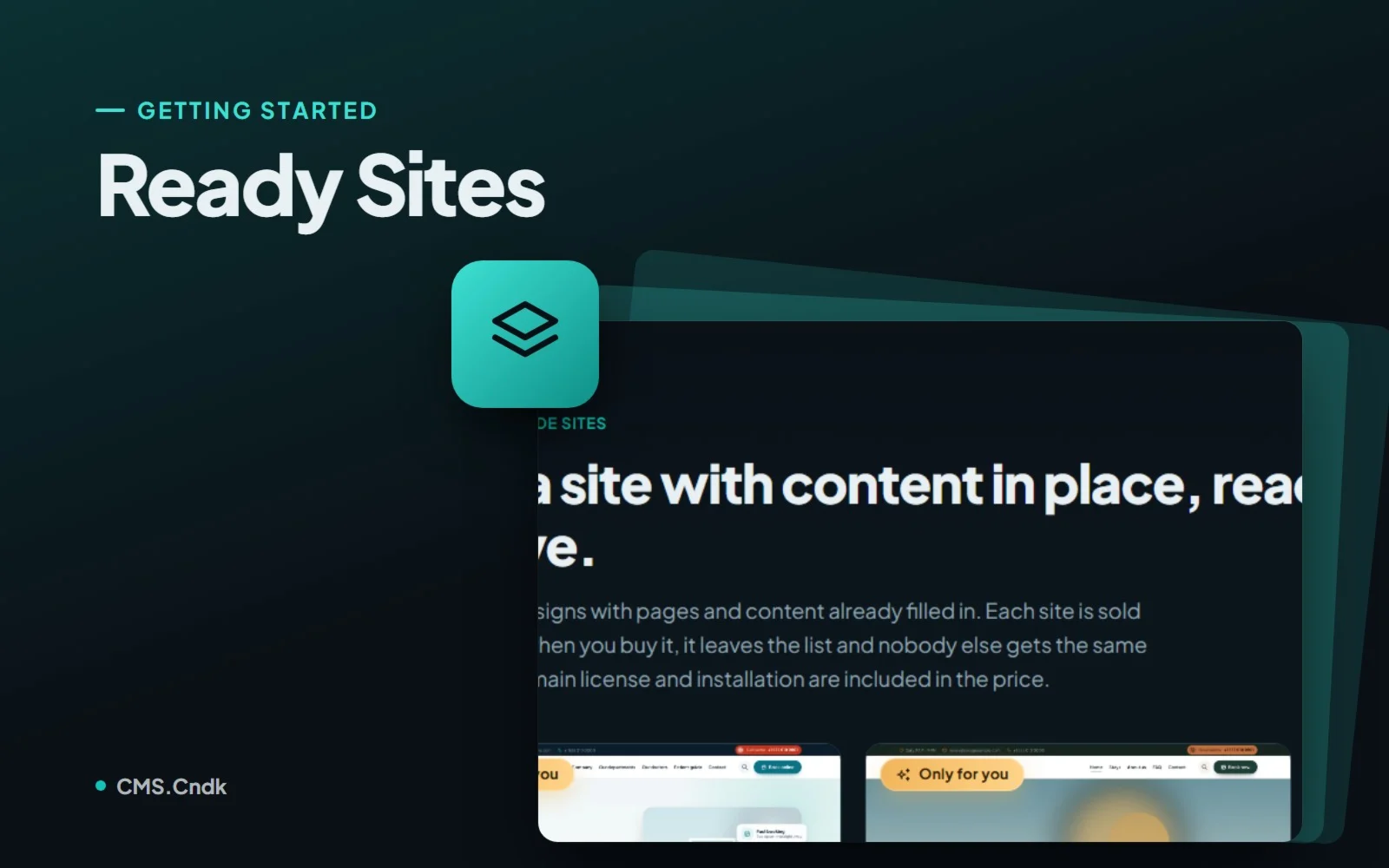
Some businesses simply don't want a design project. The owner of a small restaurant wants the menu online before the weekend. A salon wants a proper website before the new season. A consultant just wants something that looks professional when a client clicks the link in an email. For them, picking fonts, planning pages and briefing a designer is a detour. Ready sites are CMS.Cndk's answer to that.
What a ready site is
A ready site is a complete website sold on the CMS.Cndk product site, cms.cndk.org. It comes with a premium design, and the pages and sample content are already in place, so it is ready to go live.
It helps to compare it with a theme, because the two are separate products:
- A theme is a design. You install it yourself and build the site around it.
- A ready site is a finished site. It includes the domain license and the installation on your server.
If a theme is an empty flat you furnish yourself, a ready site is the same flat with the furniture already in and the keys handed over.
Only for you
Each ready site is sold only once. Its card carries an Only for you badge, and once a purchase is confirmed and delivered, the site is taken off sale. Nobody else can buy the same site, so you won't find your bakery's website on the café across the street.
Try it before you buy it
Every ready site has a Live demo. This isn't a gallery of screenshots: the public site runs with its real features, so you can click through the pages, fill in a form, put something in the cart or try the membership area, and get a feel for how the site behaves.
A few things are deliberately different in the demo. The admin panel is not available, and orders and form submissions there are not real, so experiment as much as you like. One more thing to know: the live demos and their cover images are in English.
Who ready sites suit
Ready sites are made for businesses that want a professional site without running a design project: a restaurant, a salon, a clinic, a consultancy or a small shop. The best fit is someone who is happy to start from an existing design and swap the texts and images for their own.
If you'd rather have a new site planned around your brand from the first sketch, the site wizard takes a different route and builds a first version for you.
From the shop window to your own domain
Ready sites aren't a screen in the CMS panel; you find them on cms.cndk.org. They have their own Ready-made sites section on the home page, and in the member area they appear in the purchase window under the Ready sites tab.
- Browse the ready sites and open the Live demo of the ones you like.
- Choose Buy and sign in to the member area; the site is added to your cart.
- Enter the domain the site will be installed on and choose the server: Hosting from us (the first year is included, then it renews yearly) or My own server (no hosting fee).
- Send the purchase request. You receive the payment details, and once payment is confirmed the site is reserved for you.
- The domain license is issued and the site is installed on your server. The card shows "Installation in progress", then changes to "Live" with an Open site link when it's done.
- Sign in to the customer panel and replace the sample content with your own.
After delivery, the site appears in the member area under My services as a My ready sites card, showing the domain, the purchase date, the server information and the status.
Before you open the doors
The site is delivered exactly as you saw it in the live demo, theme and sample content included. Making it yours is the buyer's job, and it's worth doing carefully:
- Placeholders are placeholders. Sample texts, images, phone numbers and addresses are only there to show the design. A clinic doesn't want a made-up phone number on its contact page.
- Walk through every page. Review the company information, menus, forms and legal pages before going live.
- It's a normal site from day one. After installation it is a regular CMS.Cndk site: you change texts, images and design from the panel, and you can add modules from the Store as the business grows.
That last point matters. A ready site isn't a frozen template; it's a head start that keeps growing with the same tools as any other CMS.Cndk site.
If you'd like a professional website without a design project, open a few live demos on cms.cndk.org. Click around as if you were one of your own customers, and when one feels right, make it yours before someone else does.
More guides
Installing CMS.Cndk on IIS, Plesk or a Linux VPS, step by step
CMS.Cndk ships as a self-contained package for Windows or Linux. Upload it, open the setup wizard in your browser and follow it from language to admin account.
Site wizard: go from a blank install to a full first draft
The site wizard plans and builds the pages, menus and content of a new site, along with its theme, and you approve every step on the way.
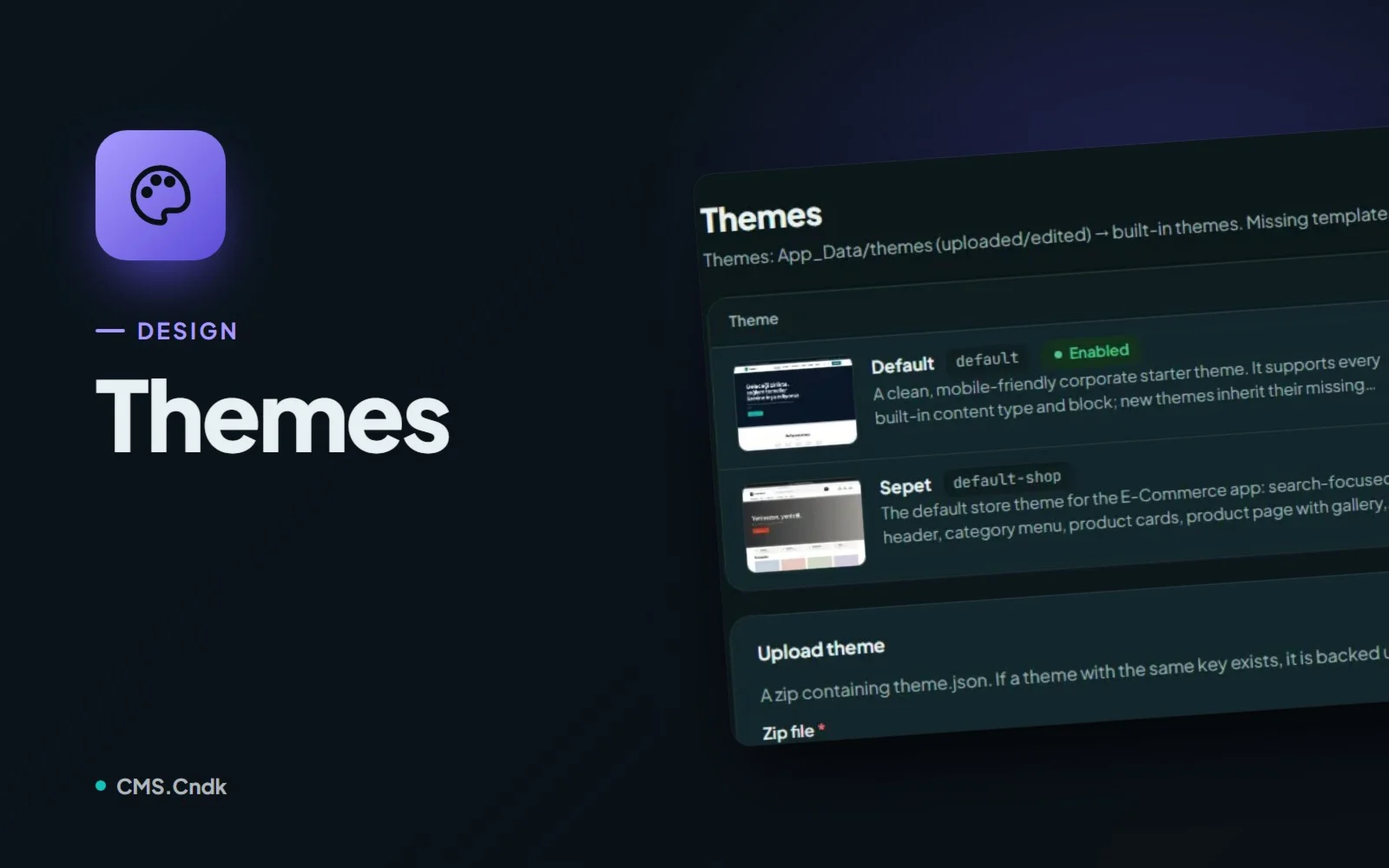
Themes in CMS.Cndk: a new look without losing a single page
Pick a theme from the store or upload your own, add starter content, then let editors fine-tune the logo and options in Theme Settings without code.