

Learn CMS.Cndk, one feature at a time
Short, practical guides to every part of CMS.Cndk: what it does, when to use it and how to set it up in minutes.
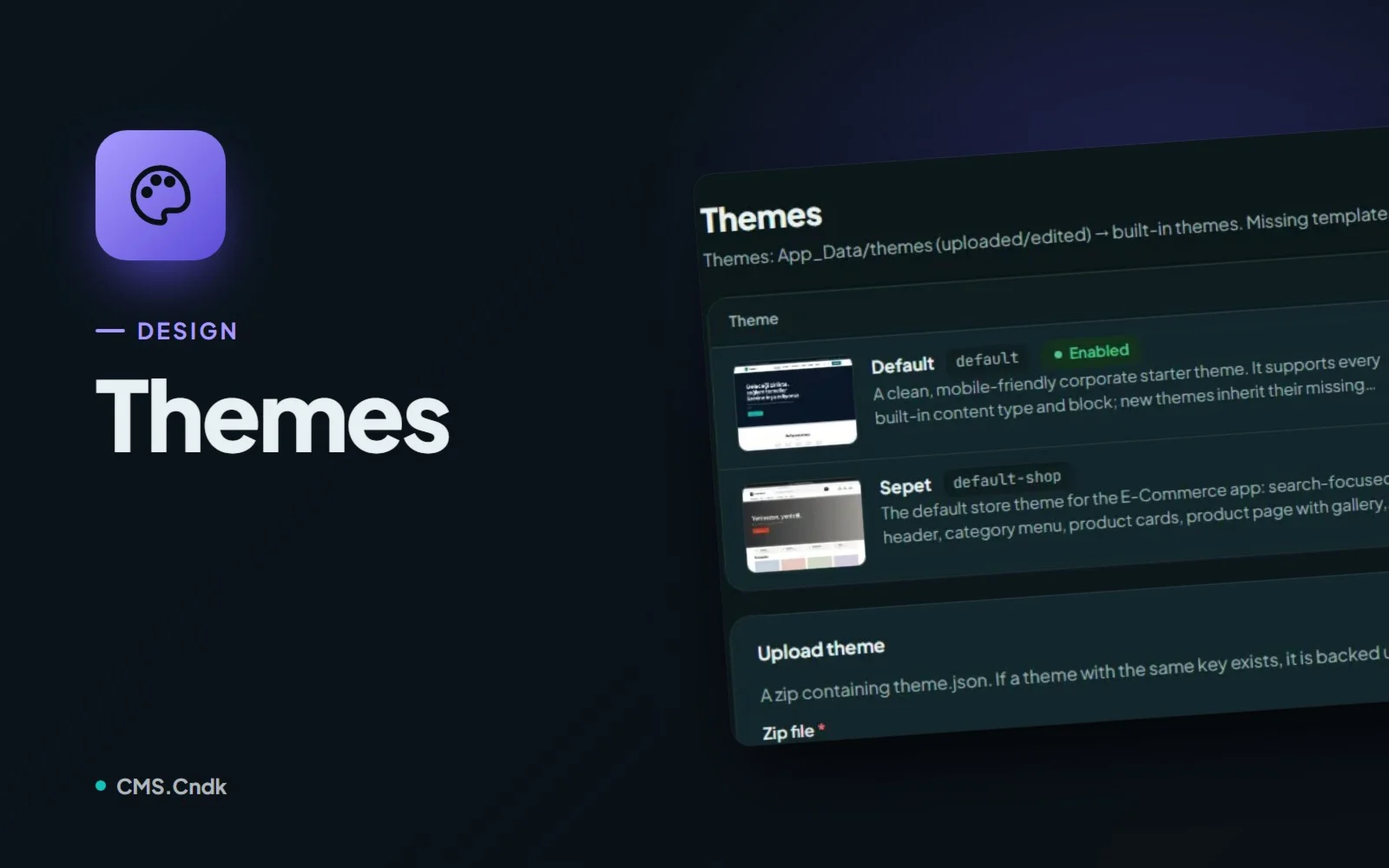
Themes in CMS.Cndk: a new look without losing a single page
Pick a theme from the store or upload your own, add starter content, then let editors fine-tune the logo and options in Theme Settings without code.
Read the guideNo guides match your search.
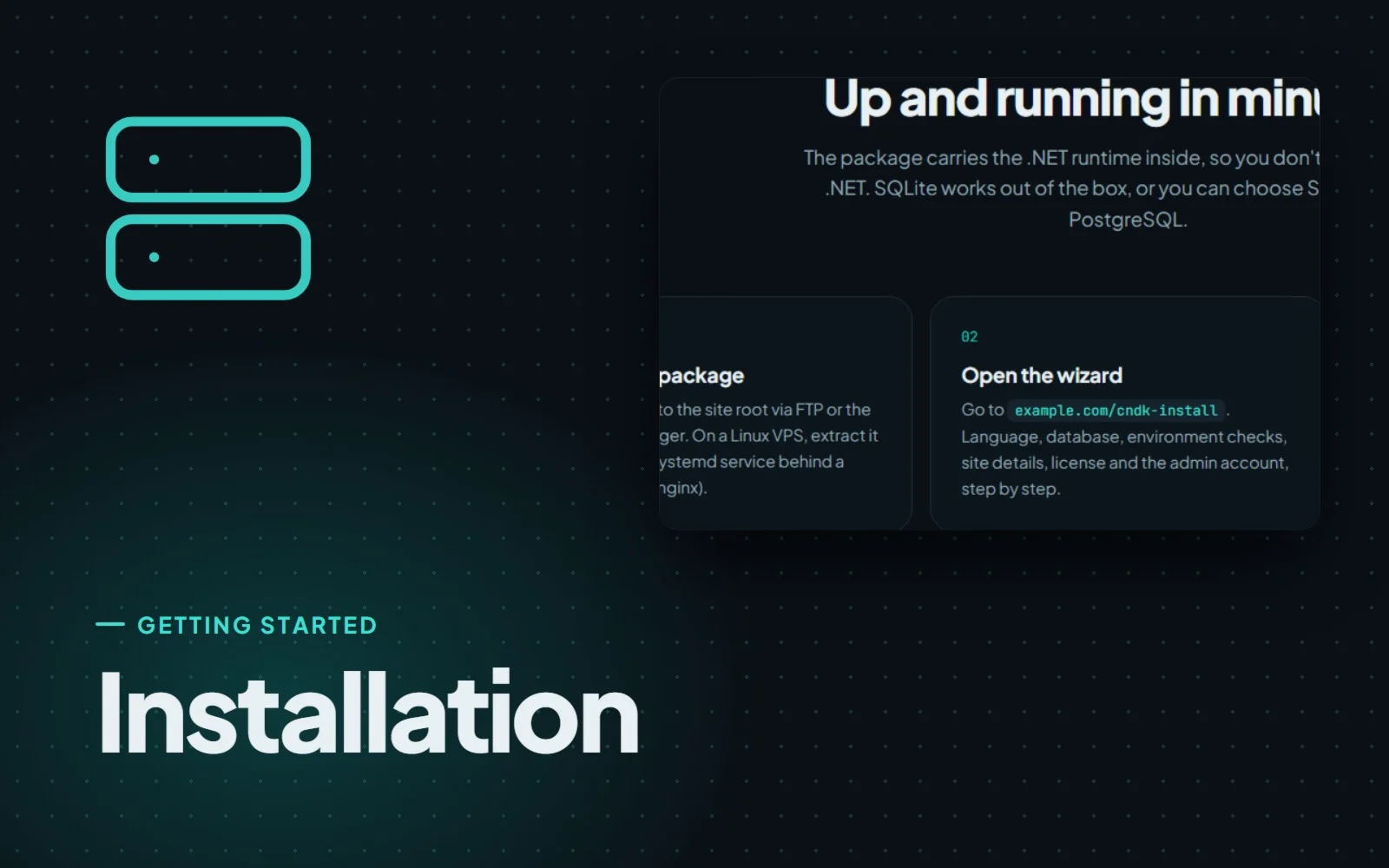
Installing CMS.Cndk on IIS, Plesk or a Linux VPS, step by step
CMS.Cndk ships as a self-contained package for Windows or Linux. Upload it, open the setup wizard in your browser and follow it from language to admin account.
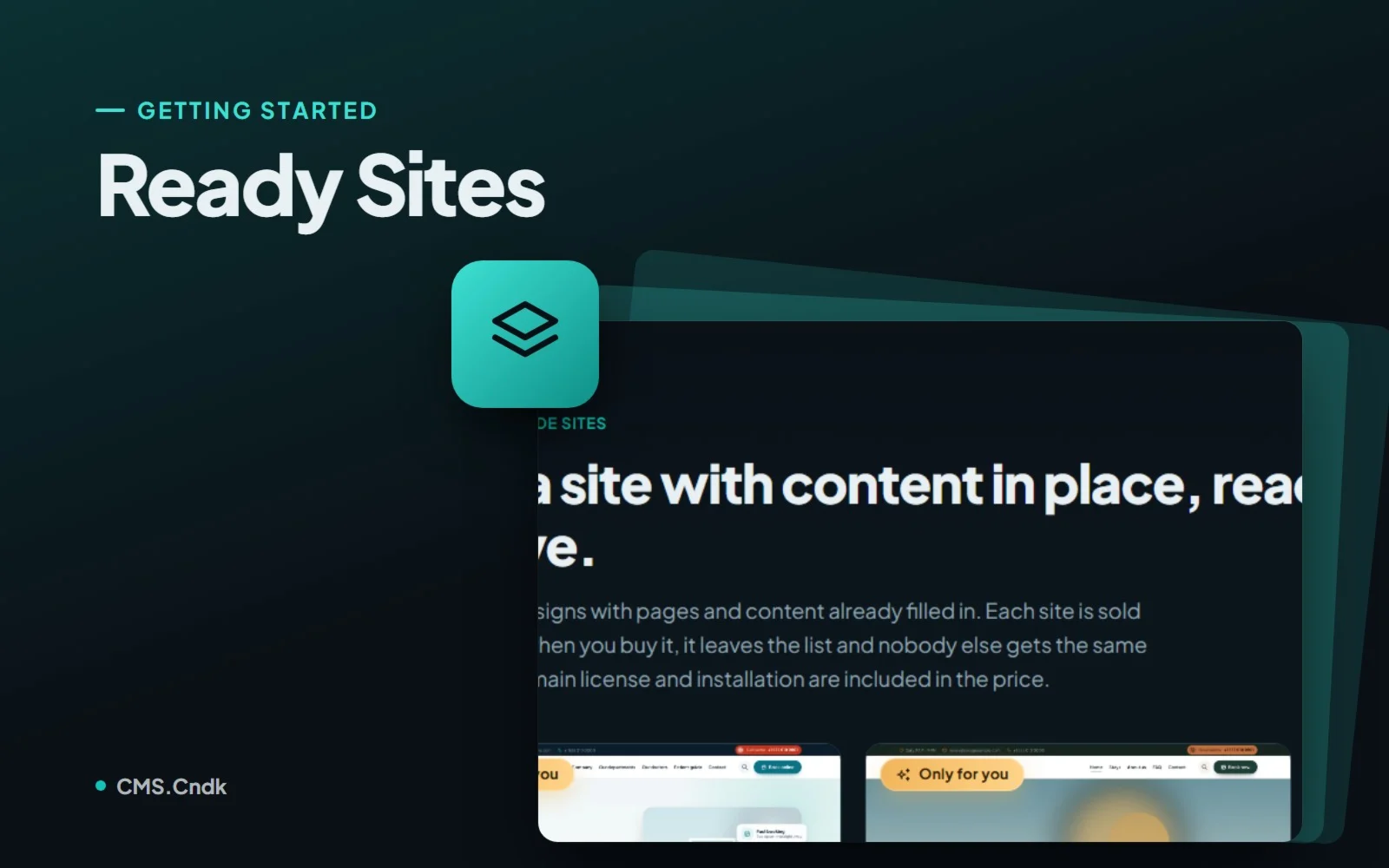
Ready sites: a finished website that is only ever sold once
Ready sites are complete CMS.Cndk websites with design, pages and sample content in place, installed on your server and sold to one buyer only.
Site wizard: go from a blank install to a full first draft
The site wizard plans and builds the pages, menus and content of a new site, along with its theme, and you approve every step on the way.
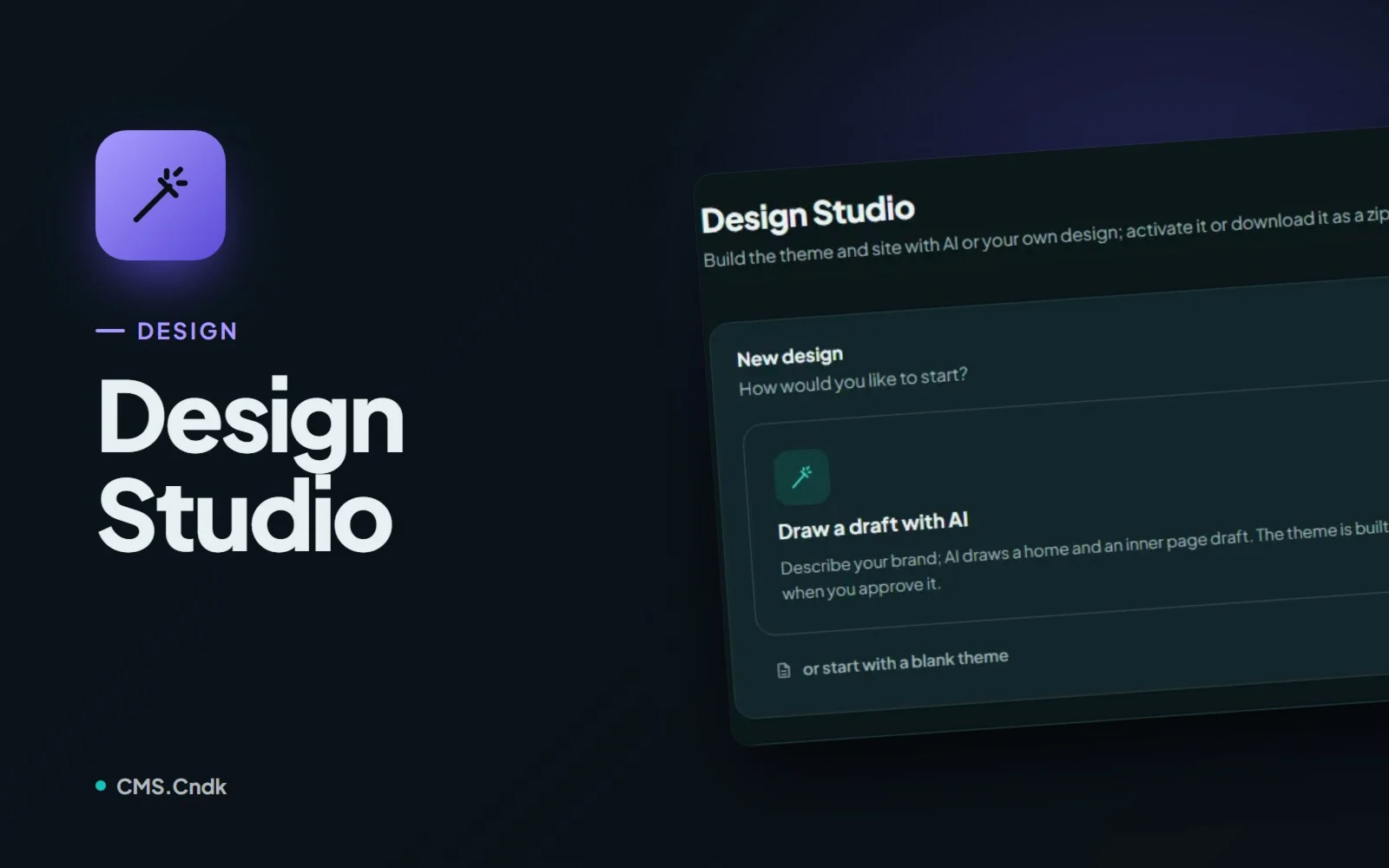
Design Studio: give every client site a look of its own
Design Studio uses AI to draw, build and refine a theme that fits the brand, from a short description, an uploaded design or a blank start.