

Design Studio: give every client site a look of its own
Design Studio uses AI to draw, build and refine a theme that fits the brand, from a short description, an uploaded design or a blank start.
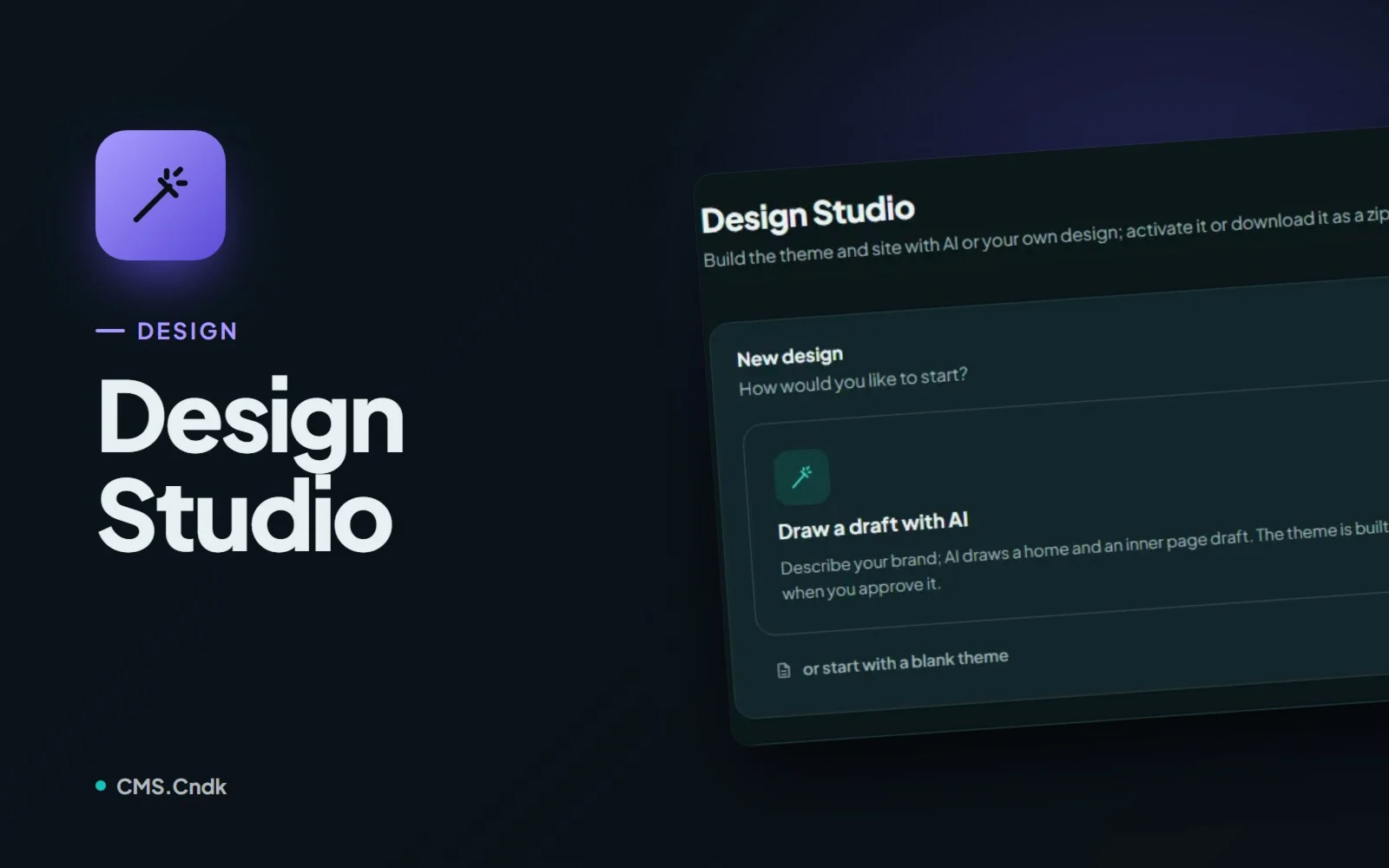
Every business has a feel. A neighbourhood café is warm and a little playful, a dental clinic is calm and reassuring, a law firm is quiet and serious. Squeezing all of them into the same off-the-shelf template rarely works. That is the gap Design Studio fills: it is the place in CMS.Cndk where a theme is designed for one specific brand, with Google Gemini doing the heavy lifting and you staying in charge of every decision.
What Design Studio does
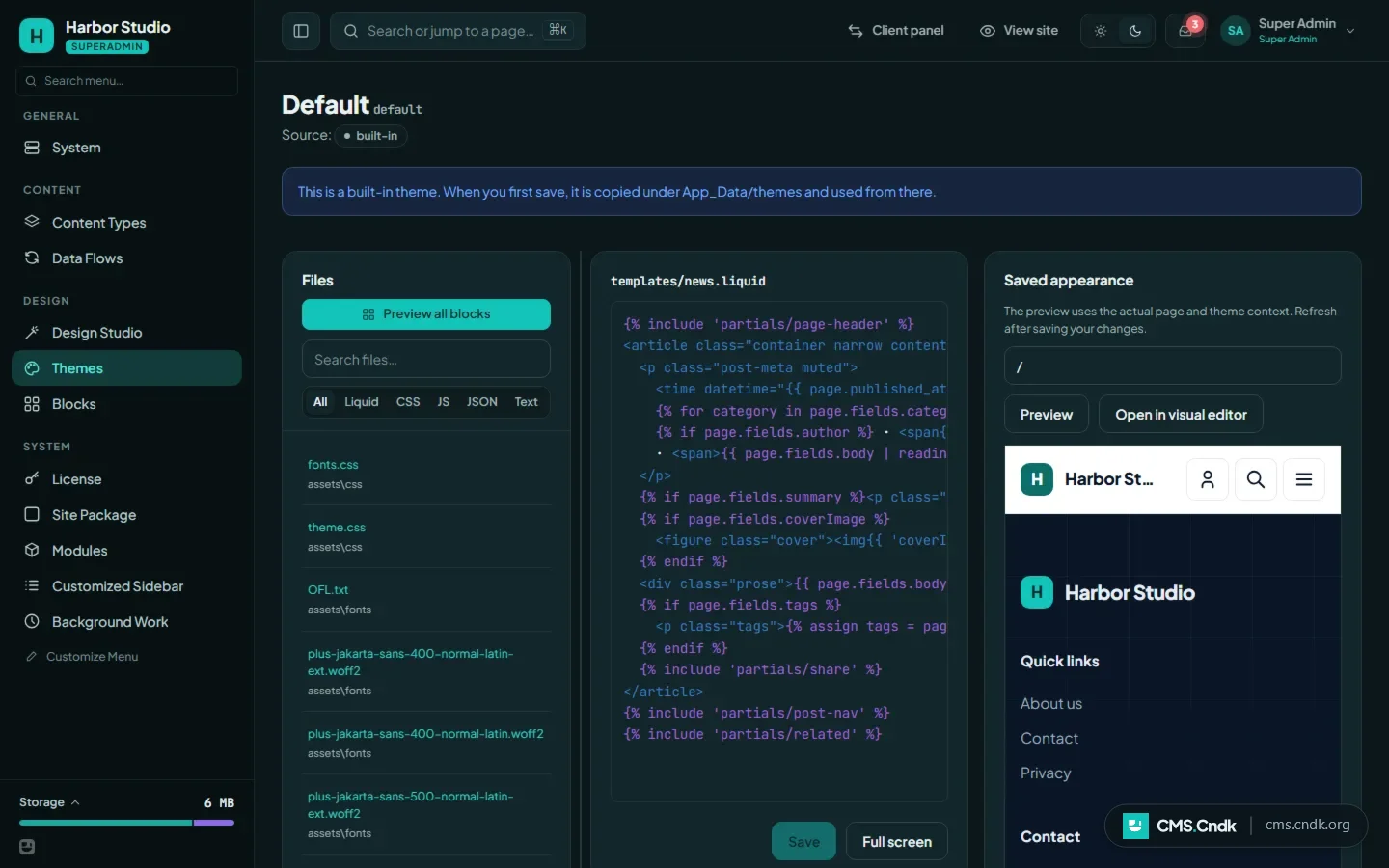
Design Studio is the theme and site design environment of the owner (superadmin) panel. It can create a brand-new theme, and it can also edit an existing theme through a simple chat.
A new design starts in one of three ways:
- Draw a draft with AI: you describe the brand, and the AI draws a home page and an inner page draft. The real theme is only built after you approve that draft.
- Upload a ready design: you upload your own HTML pages, CSS and images as a ZIP. Your design is kept, and the AI maps its sections to CMS blocks.
- Start with a blank theme: you design through chat, or by editing the files by hand.
The second option is handy if a designer has already handed you HTML pages, or you made them in another design tool. Instead of rebuilding everything, you bring the design in and let the Studio turn it into a working theme.
Talking to your theme
Once a theme is open, the Chat tab is where most of the work happens. You write requests the way you would brief a colleague: "make the header sticky" or "add a team page".
The AI answers with a single suggestion. That suggestion can touch theme files, custom blocks, new content types, and changes to pages, menus and theme settings. Nothing changes until you decide:
- Apply puts all of the changes in place together, after taking a backup of the theme.
- Restore takes all of them back.
A preview frame shows the result at desktop, tablet and mobile widths, so you can check a phone layout without reaching for your phone. The Templates tab manages page templates, and Build from Mockup turns an approved static mockup into real, block-based pages.
Who it is for
Design Studio is built for agencies and freelancers who make sites for clients. A café, a clinic, a law firm or a shop can each get a look of its own instead of a generic template. It also suits owners who already have an HTML design and simply want it running as a CMS theme.
You will find it in the owner panel under Superadmin → Design → Design Studio. Only the superadmin sees it; the people who edit content day to day in the customer panel never do, so nobody redesigns the site by accident.
How to design a theme, step by step
- Open Superadmin → Design Studio and choose how to start. Enter the company name, the sector and the site colour mode (light, dark, or following the device), plus optional notes or up to 3 reference screenshots.
- Enter your own Gemini API key and pick a model: Flash Lite or Flash, or type a model name. If you would rather work by hand, choose Continue without AI and edit the templates yourself.
- Review the draft, give feedback in the chat and approve it, so the theme is built.
- Keep refining through the chat. Review each suggestion before you press Apply, or turn on Apply automatically; a backup is still taken every time.
- When you are happy, Activate the theme on the site, or Download zip to install it somewhere else.
Good to know
A few details make the Studio safe to use on a real site:
- Your API key stays with you. It lives only in the browser tab's memory, is never saved on the server, and has to be entered again after a page refresh. Usage is billed to your own Gemini account. If you enter token prices, the browser shows you a cost estimate.
- Regular password checks. Studio actions ask for your password again every 30 minutes, and for the two-factor code if you have it switched on.
- Suggestions are checked before they land. Paths, file types, sizes and Liquid syntax are validated, and every suggestion is test-rendered against the site's real pages. Invalid files are skipped with a warning instead of breaking the site.
- Fonts are embedded. Fonts named in the theme are downloaded once and embedded in it, so your visitors' browsers never contact Google Fonts.
- Demo mode. In a read-only demo the Studio is visible, but saving and AI are turned off.
Design Studio also works hand in hand with the site wizard, which goes a step further and plans the pages, menus and content as well as the look; you can read about it in the site wizard guide.
If you build sites for clients, try it on your next project: describe the brand in a few lines, look at the first draft, and keep talking to it until the site feels like the business it belongs to.
More guides
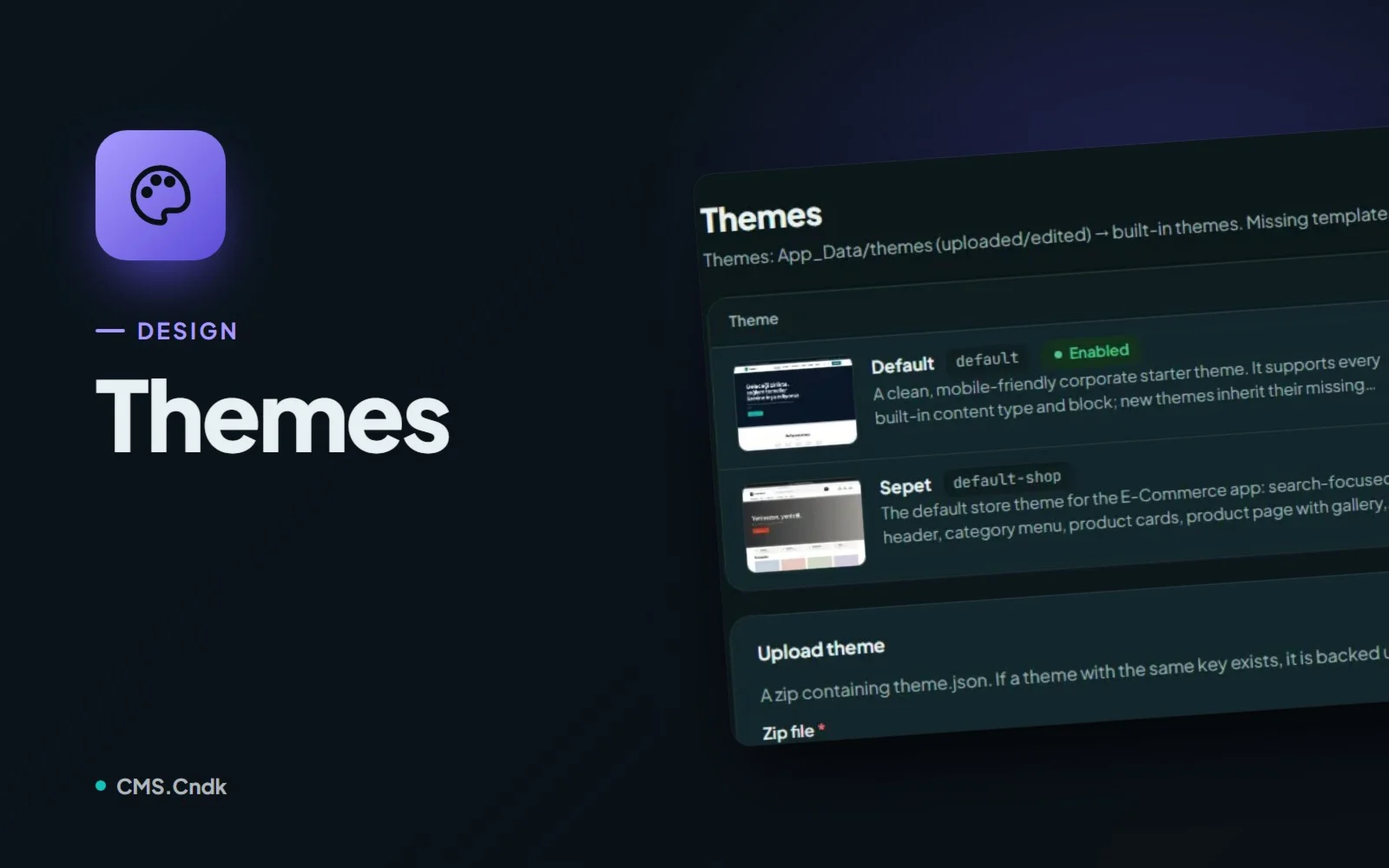
Themes in CMS.Cndk: a new look without losing a single page
Pick a theme from the store or upload your own, add starter content, then let editors fine-tune the logo and options in Theme Settings without code.
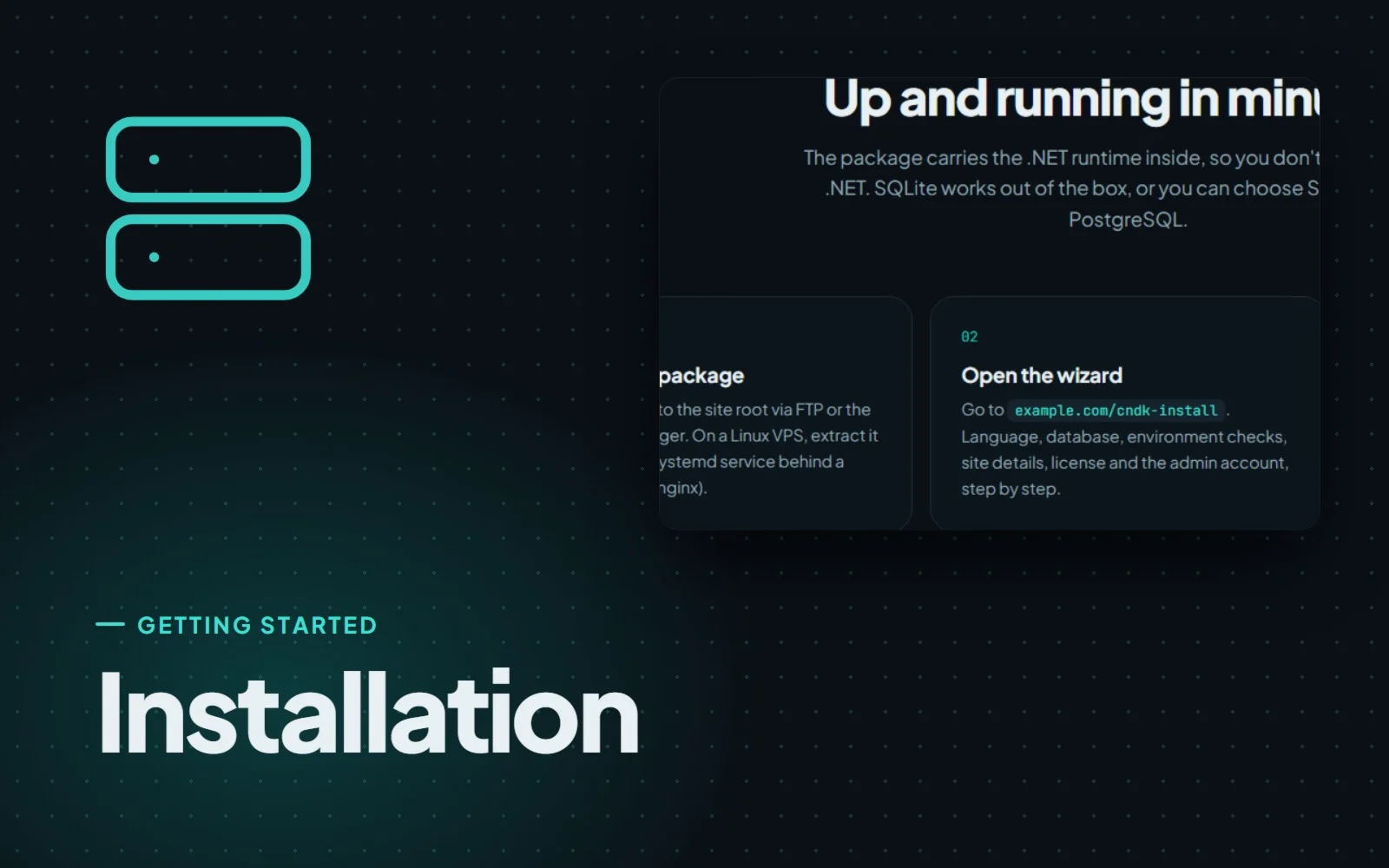
Installing CMS.Cndk on IIS, Plesk or a Linux VPS, step by step
CMS.Cndk ships as a self-contained package for Windows or Linux. Upload it, open the setup wizard in your browser and follow it from language to admin account.
Ready sites: a finished website that is only ever sold once
Ready sites are complete CMS.Cndk websites with design, pages and sample content in place, installed on your server and sold to one buyer only.